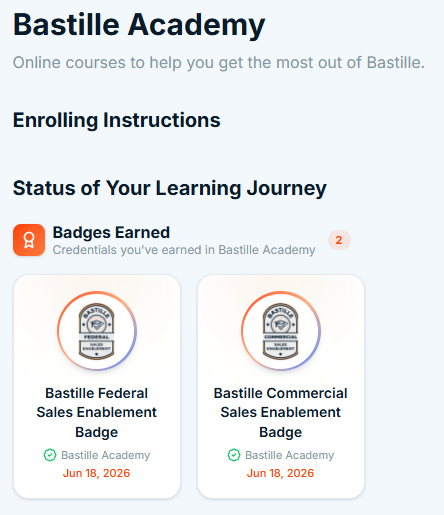
Badge Steps for Students
Completion requirements
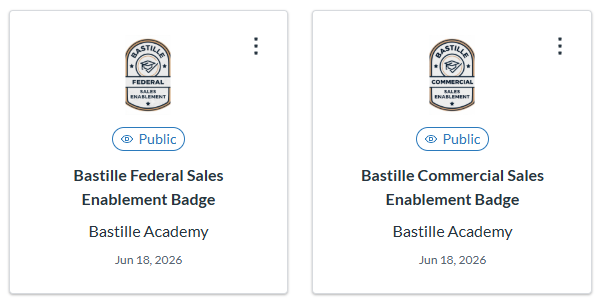
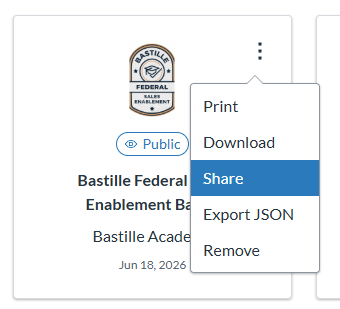
Students with a badge can go to https://badges.parchment.com/ to create an account and upload the badges they receive (by using the “Add Badge” button). You can share the Badges from Parchment directly with LinkedIn by pressing the triple dots in the upper right hand corner of the badge, choosing share, and clicking on LinkedIn.
If you lost the email, with the original Badges in it, you can go to your account preferences, click “Manage badges”, then “Download all”.
You can also see your badges posted in the Knowledge Base under Bastille Academy: