
Everyone else, click here for login instructions
To get access to Academy Courses as an end-user or partner, you need to be provided access to our Knowledge Base. This is provided by your sales representative or technical director. You can also email us at Training@Bastille.io to receive access to the Knowledge Base and the Academy.
If you already have access to the Knowledge Base, then the article you need to access the Academy is found here: https://kb.bastille.net/bastille-academy
In the article, please note the enrollment key that is required to enter the Radio Frequency Course. The basic instructions to create an account are as follows:
To create an account first go to https://Academy.Bastille.net, click on the "Log In" link in the upper right hand corner of the screen. From here click on the link to "Create a new account".
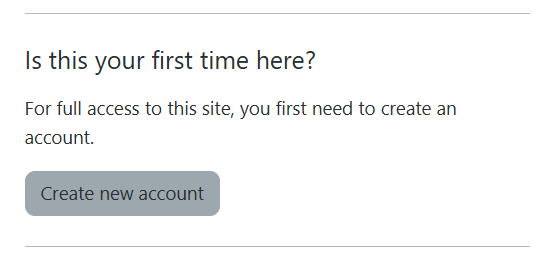
Follow the instructions, which includes clicking on a link to verify your email address. Once the process is complete, you can go back to https://Academy.Bastille.net, click the "Log In" link, and then type in your new username and password to log in to the site.
When you are inside the site, click on the catalog link at the top of the screen, choose the "Radio Frequency Course", which is a prerequisite to many of the other courses, and type in the enrollment key that was provided in the Knowledge Base article referenced above. When it comes to enrollment keys, the capitalization must match.
If you have any questions, please contact training at training@bastille.io.